Get paid by every customer in Tanzania.
Accept mobile money, bank transfers and TANQR into one account. Pay suppliers, run payouts and reconcile every shilling from a single ledger — in the dashboard or through the API.
Every way Tanzania pays
One account, one reconciliation, whichever rail your customer reaches for.
- M-Pesa

- Mixx by Yas

- Airtel Money
 HaloPesa
- Bank transfer
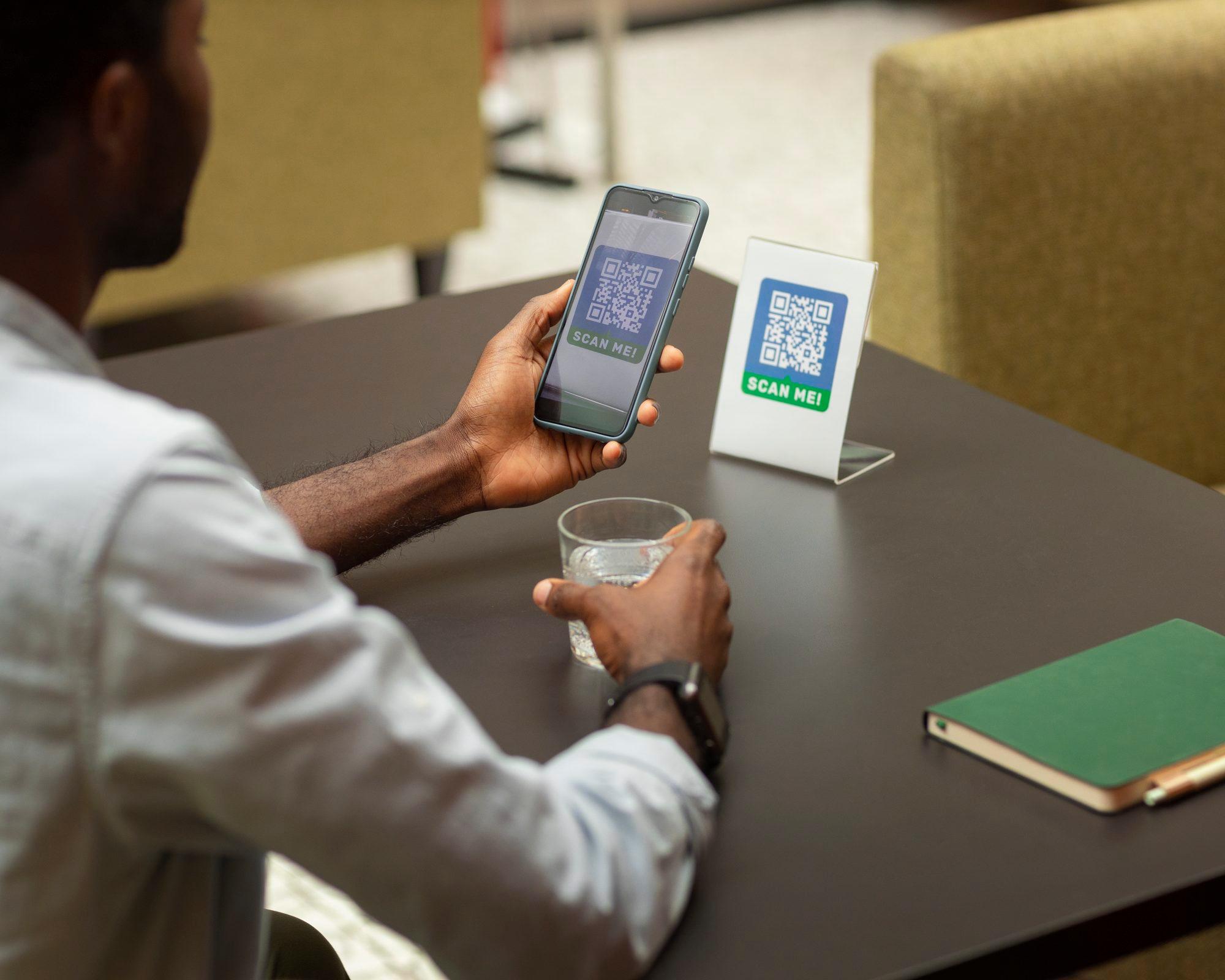
- TANQR
One account, every movement, in plain figures.
Your balance, ledger, payouts and bills live in one place, with the same identifiers you get from the API. Nothing is hidden behind a support ticket.
A balance you can read
One figure you can act on, with every confirmed payment behind it.
A ledger that explains itself
One entry for every movement in and out, with the identifier that caused it.
Payouts from the same screen
When you choose or on a schedule, to a bank account or a mobile money wallet.
Everything a growing business needs to get paid.

Accept payments
Mobile money, bank transfers and TANQR from any customer in Tanzania, through a bill, the hosted checkout or the API. Every payment settles into the same balance and the same ledger.
Learn morePayouts
Payouts to your bank account or mobile money wallet, when you choose or on a schedule, straight from the dashboard. Pay suppliers and staff from what you have collected.
Learn moreGet paid with a bill
Make a bill in the dashboard and send it on WhatsApp, SMS or email. Payment links, open to anyone, are coming soon.
Refund a payment
Full or partial refunds through the API on M-Pesa and Mixx by Yas payments — never more than the payment amount.
Know what you have
Your balance, and a ledger entry for every movement in and out, ready to export when your accountant asks.
From a bill on WhatsApp to money in your balance.
No website, no code. The customer pays on the rail they already use and the money shows up in the same ledger as everything else.
Create the bill
Name the customer, set the amount and what it is for, and the dashboard gives the bill its own page.
Send it
On WhatsApp, by SMS or email, or as a push straight to the customer's phone.
The customer picks a way to pay
Mobile money on any network, or scan to pay from a bank or wallet app. They confirm on their phone.
It lands in your balance
A ledger entry, the bill marked paid, and a webhook if you want one.
Coming soonPayment links: one link anyone can pay, at a fixed or an open amount.
Money out is as clear as money in.
A payout moves from your balance to a bank account or mobile money wallet you have added. Each one carries its own identifier and writes its own ledger entry.
How we keep money safe.
Payments are screened before they reach a rail, every movement is written to one ledger, and every confirmed payment reaches you by SMS and webhook.
Security
Traffic to and between our services is encrypted, and account numbers, ID numbers and secrets are encrypted in our databases. API keys and webhook secrets are shown once; webhook secrets can be rotated, and keys replaced or revoked. Payments, payouts and changes we make to your account appear in your activity log, and our security is independently assessed.
Risk screening
Payments and payouts are screened automatically before they reach a rail. A payment that fails screening is blocked and reported to your integration; a payout that fails is declined when you send it, with the reason.
Disputes
If a customer disputes a payment, contact us and we'll work it through with you and the operator.
Reconciliation
One ledger entry per movement, carrying the reference that caused it; open a payment or payout for your own reference. Fees and VAT are itemised on each payout's ledger entry, and the ledger exports to CSV.
Instant notifications
Confirmed payments appear in your ledger. You get an SMS for every payment, customers who pay by mobile money get an SMS receipt, and your systems get a signed webhook.
Same-day payoutsT-0
Collections can be paid out the same day they succeed, with no holding period. Pay out to a mobile money wallet or a bank account on any day of the week, including weekends. Available once your business is verified.
Built for how Tanzanian businesses trade.
Sole proprietors, registered companies and NGOs. Verification (KYB) happens in the dashboard: a NIDA identity check, your business registration from BRELA and your TIN, then you start collecting once approved.

Retail and wholesale
Counter sales on mobile money or TANQR, supplier payouts from the same balance at the end of the day.
Tours and hospitality
Deposits by bill weeks ahead, the balance on arrival, refunds when plans change.
Pharmacies and clinics
Small, frequent payments across every rail, reconciled against one ledger instead of four operator statements.
Schools and NGOs
Fees and contributions collected by bill, payouts to suppliers and field teams, a ledger your auditor can read.
Clear, well-documented APIs.
We have done the rail integrations so your team does not have to. One set of objects covers every way a customer in Tanzania can pay.
- Create and confirm payments on any rail
- Payouts and refunds
- Signed webhooks for payment, refund and payout outcomes
- Safe retries with idempotency keys
- No sandbox — test keys hit real rails
Three steps to your first collection.
Create your account
Sign up at app.settlopay.co.tz with your email and mobile number. It takes a few minutes.
Verify your business (KYB)
Verify your identity with NIDA and upload your business registration from BRELA and your TIN.
Sole proprietorCompanyNGOStart getting paid
Send a bill, print your TANQR code for the counter, or go live with the API.
Answered plainly.
Anything else, talk to a person. We reply from Dar es Salaam, in English or Swahili.
Contact salesWhich payment methods can my customers use?
Do I need a website or a developer?
Where can I pay out to?
What do I need for verification (KYB)?
What does it cost?
Is there a sandbox?
You run the business. We handle the money side.
Create an account, verify your business in the dashboard, and start collecting on every rail.